Three things to remember.
The viewing, the doubt, and the contact live in different places.
Note after the viewingCall Laura backPossible commission
An app for independent professionals
Avanlio is the app for iPhone, iPad, Mac, and Apple Watch that keeps clients, next steps, documents, and payments together for people who work for themselves: freelancers, consultants, and independent real estate agents. One calm place, so nothing important keeps chasing you at the end of the day.
The problem
The work is already happening: across messages, voice notes, visits, files, and reminders. None of these tools is wrong — it’s just that none of them holds the thread. When the thread breaks, you don’t lose a task: you lose a client, a payment, an opportunity.
The difference in one gesture
You don’t have to decide first which app something belongs in. Start the way you’d tell it: Avanlio shows you the thread, and you decide the next step.
The viewing, the doubt, and the contact live in different places.
Person, context, and next step stay readable together.
Avanlio is for you if
You don’t need another management tool to learn. You need one place that holds the history of a relationship, the open work, and the next step you can’t afford to lose.
One case at a time, without losing the thread that ties it to the others.
How it works
Five steps, and none of them asks you to rebuild the context at night. Assist prepares and suggests; it doesn’t save or send anything until you confirm.
Scroll to move ahead, or tap a step.
Adapts to your role
The core is shared — people, commitments, jobs, money. What changes is the language, and what comes first. A freelancer opens to clients, proposals, and payments; a real estate agent to viewings, negotiations, and commissions. It isn’t two products: it’s the same screen, and it knows who you are.
Switch roles and watch the screen really rearrange itself.
Inside the app
Today, Clients, and Jobs: everything else lives inside them. These are screenshots from the beta, in Italian, with sample data.
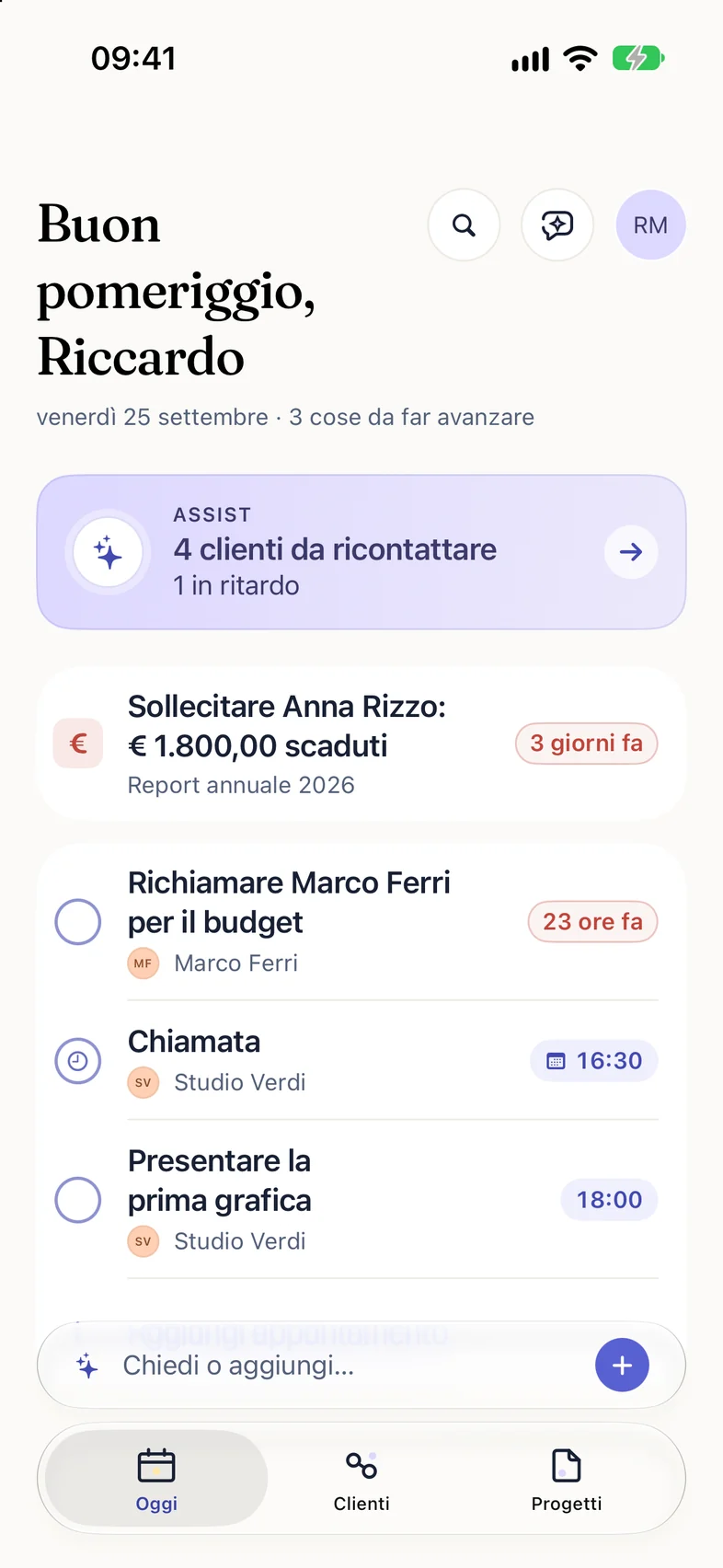
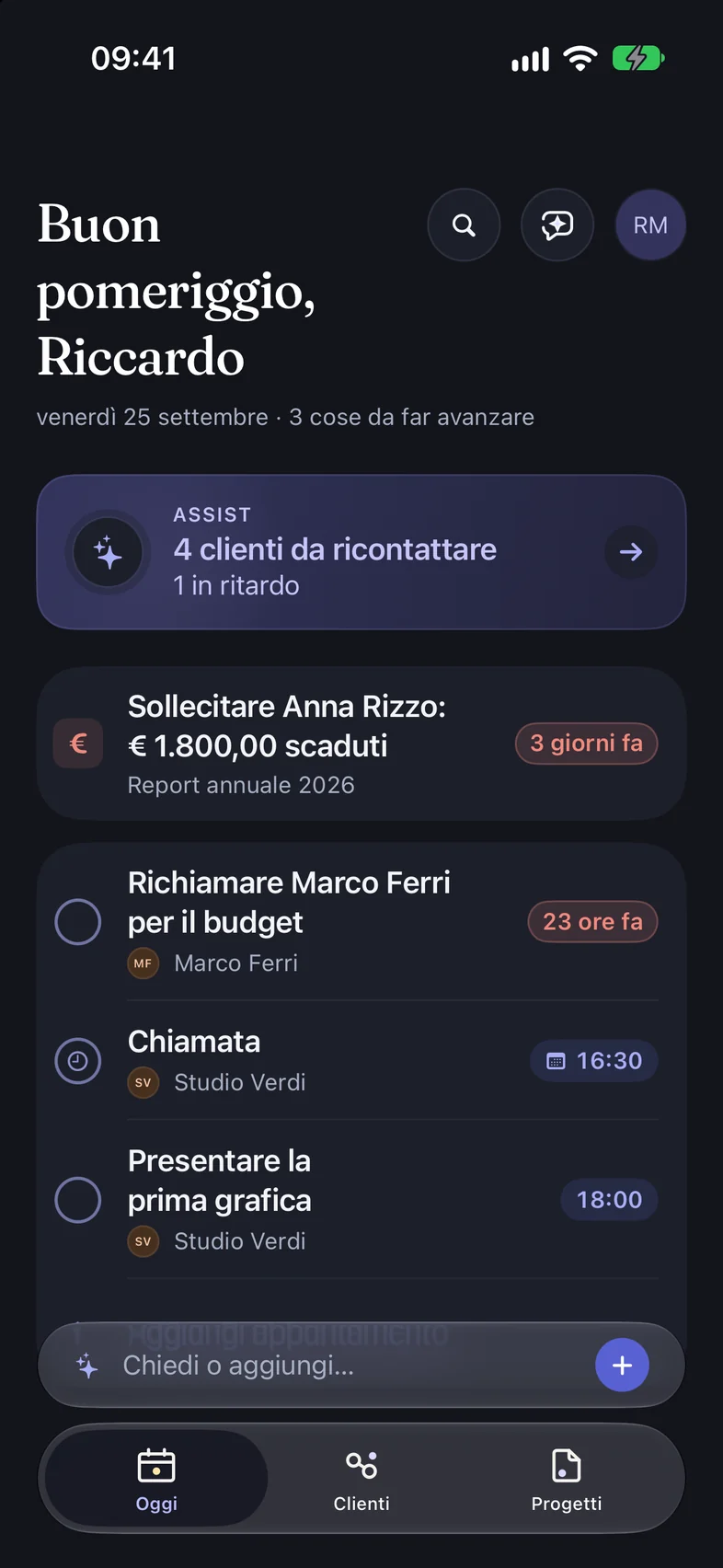
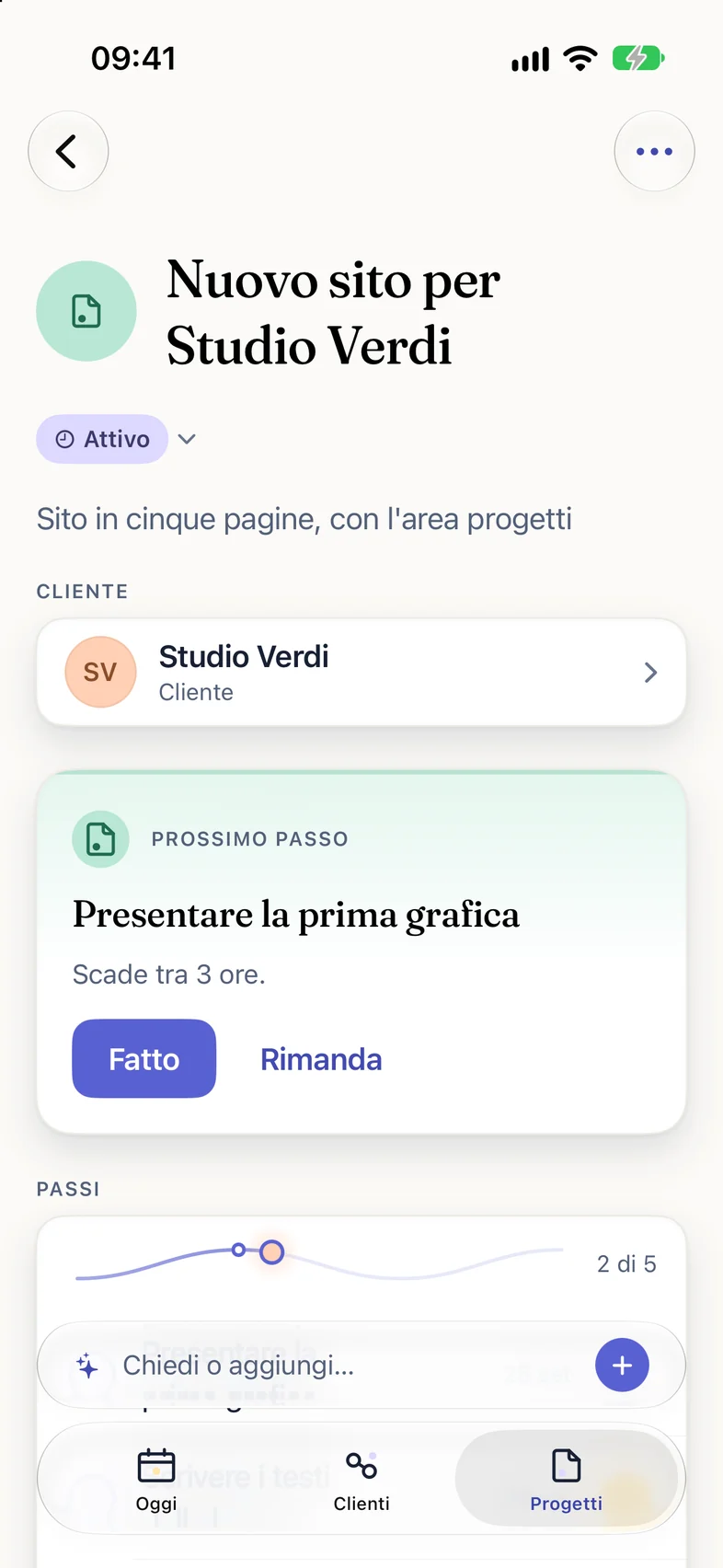
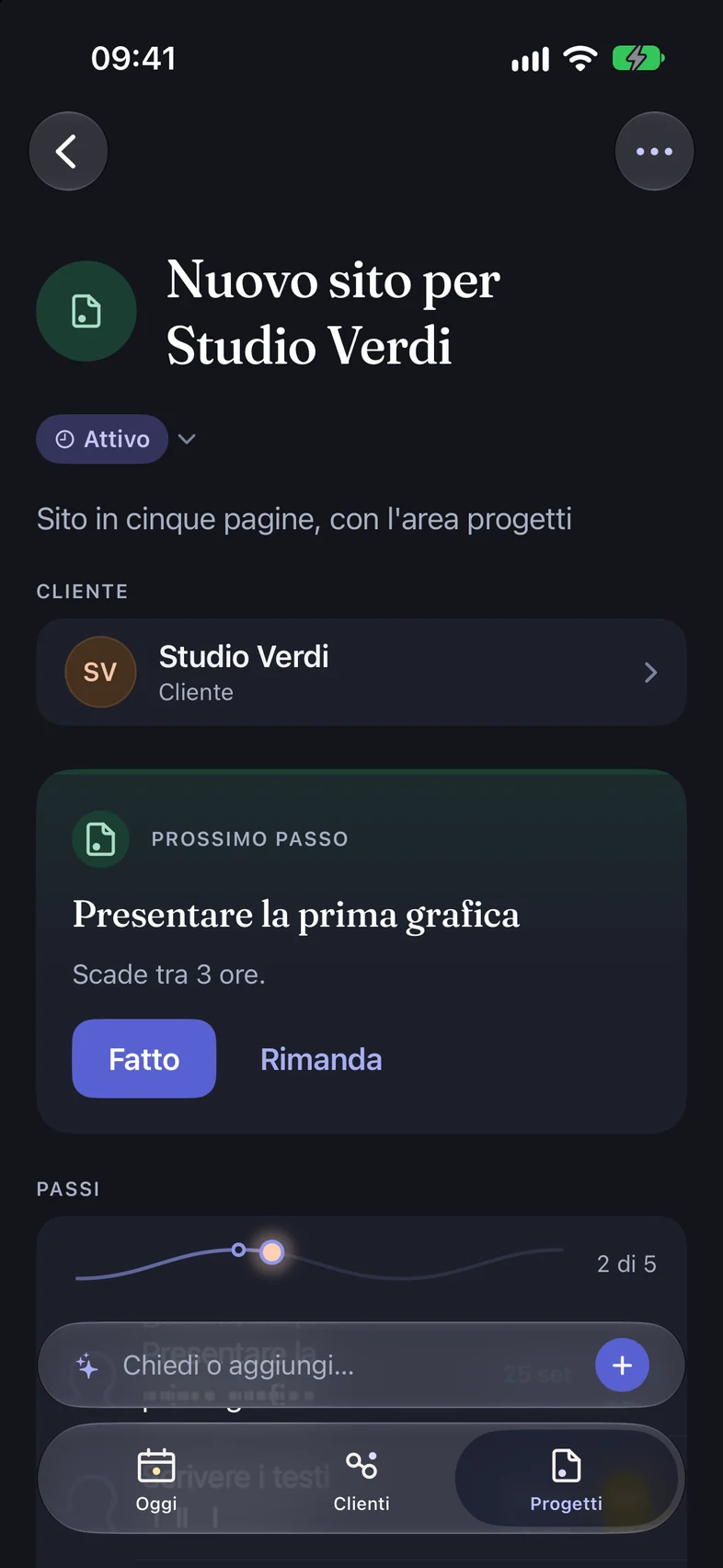
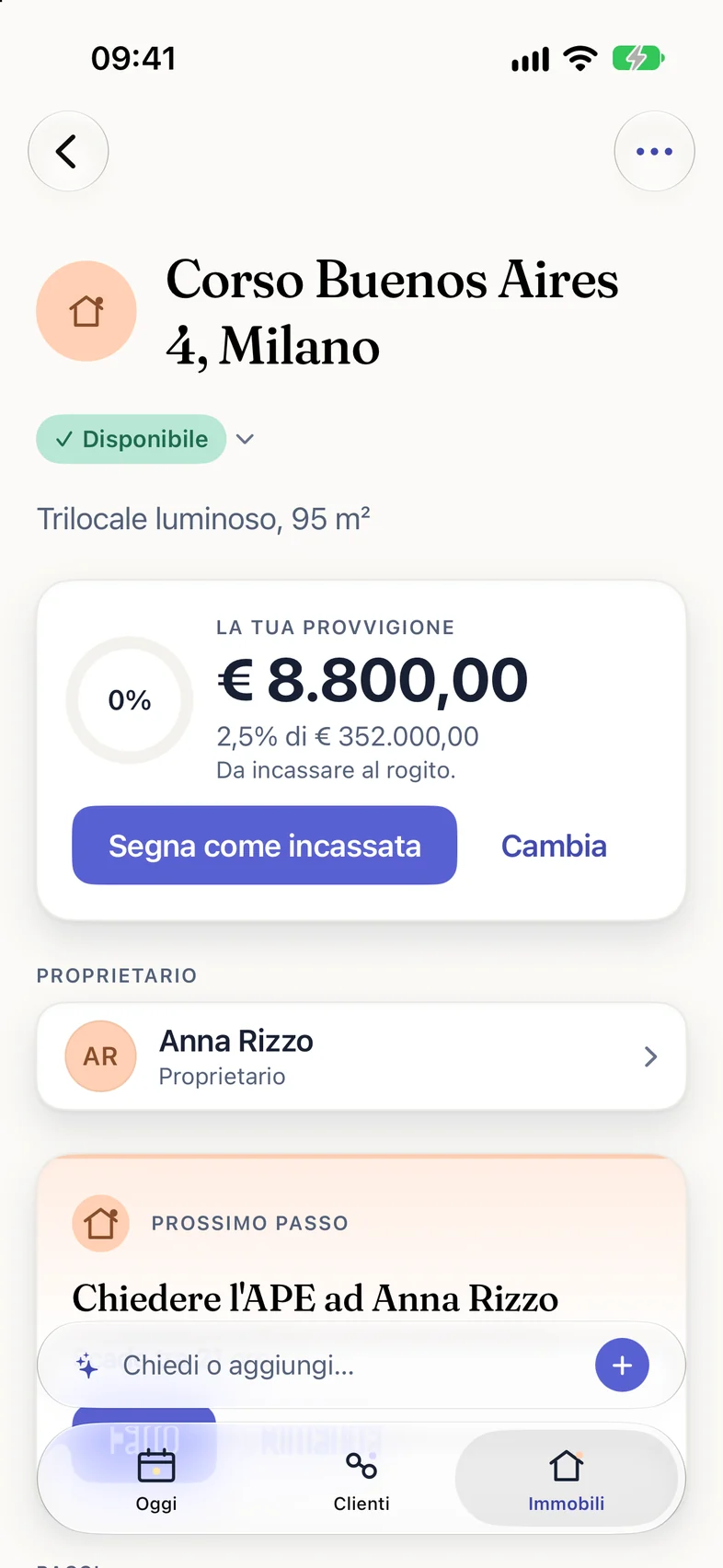
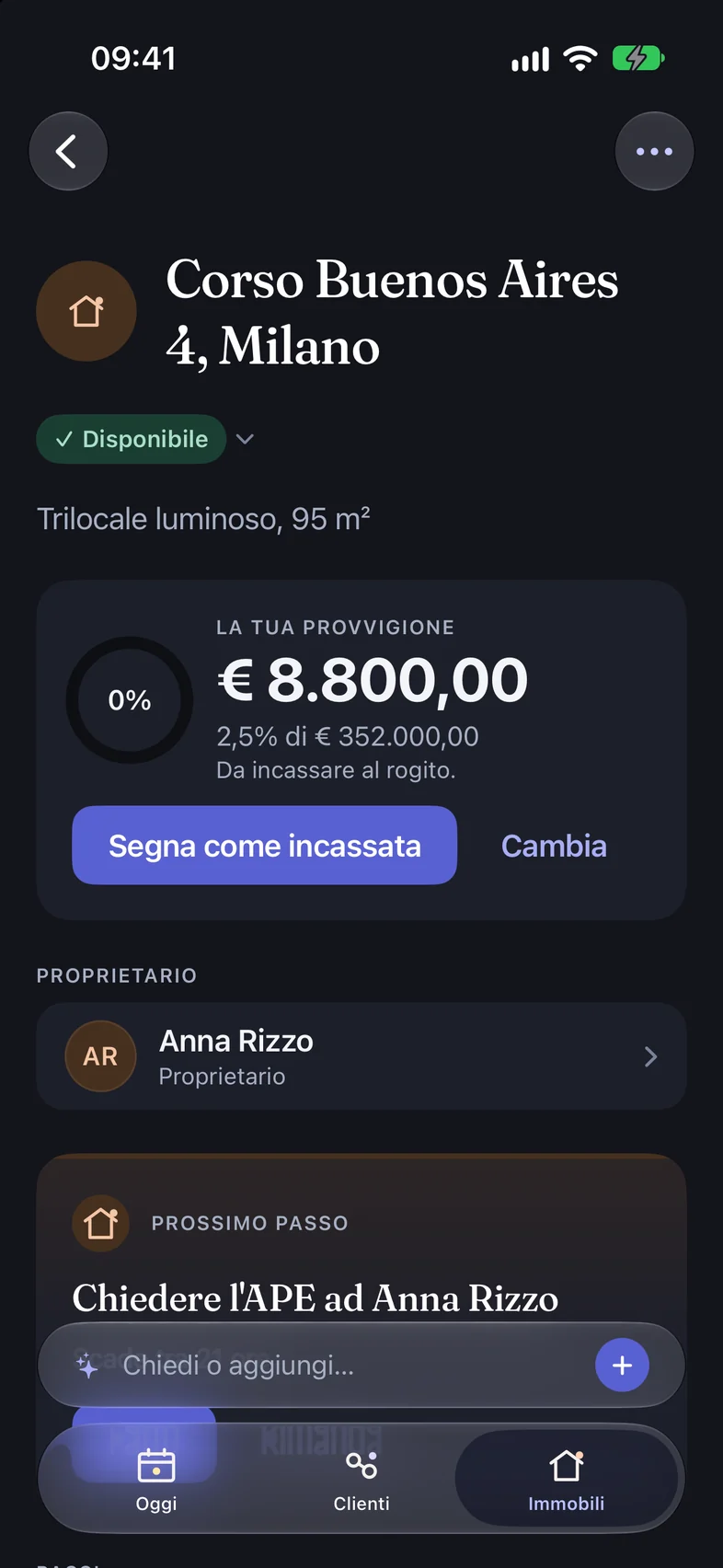
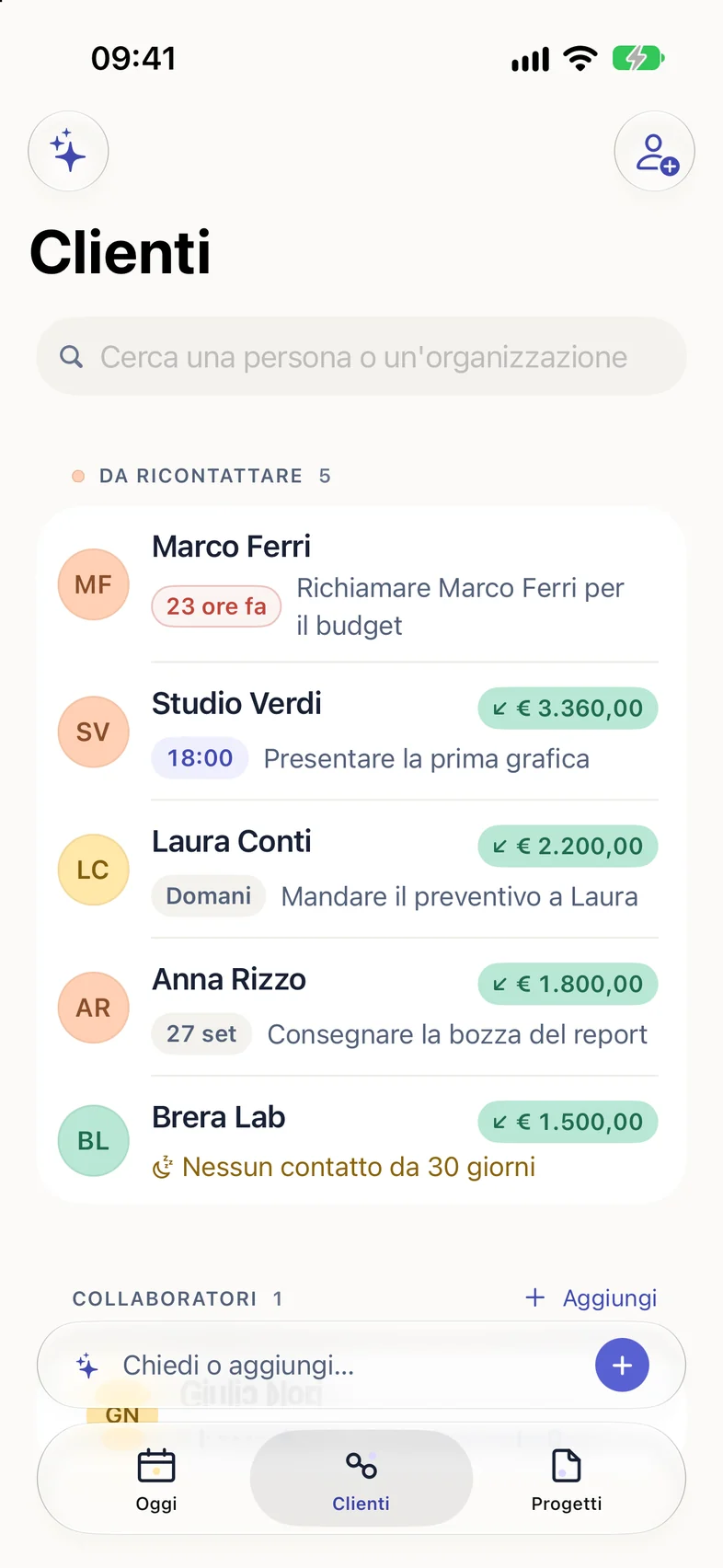
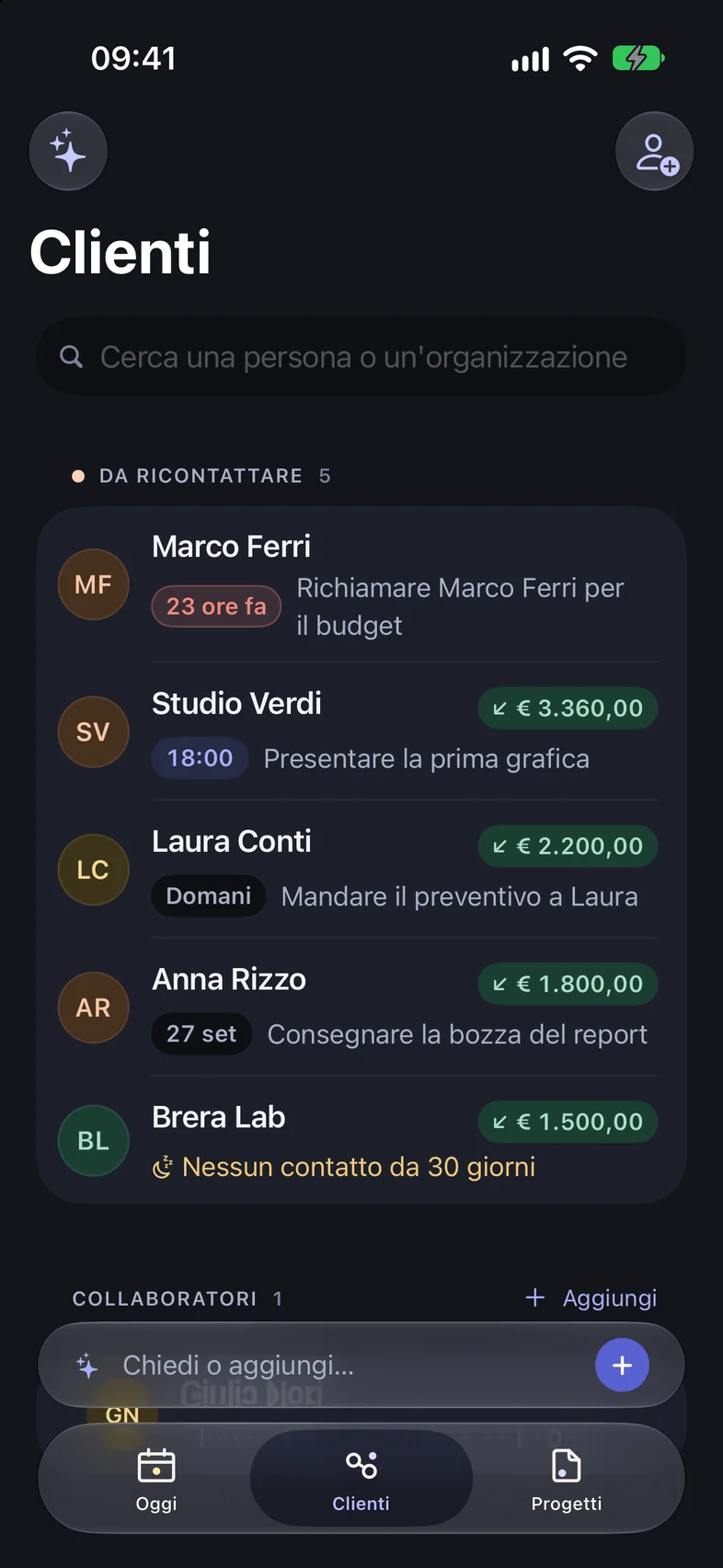
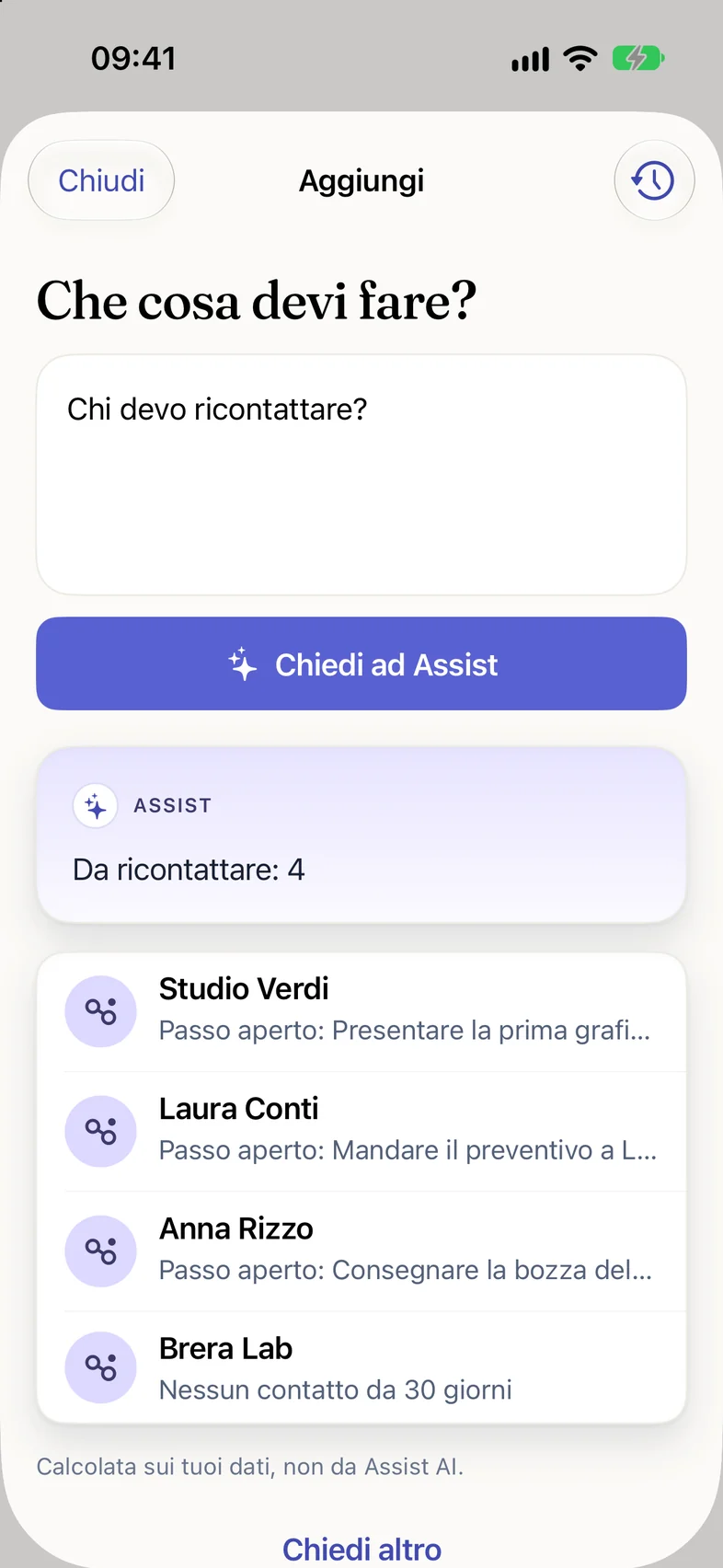
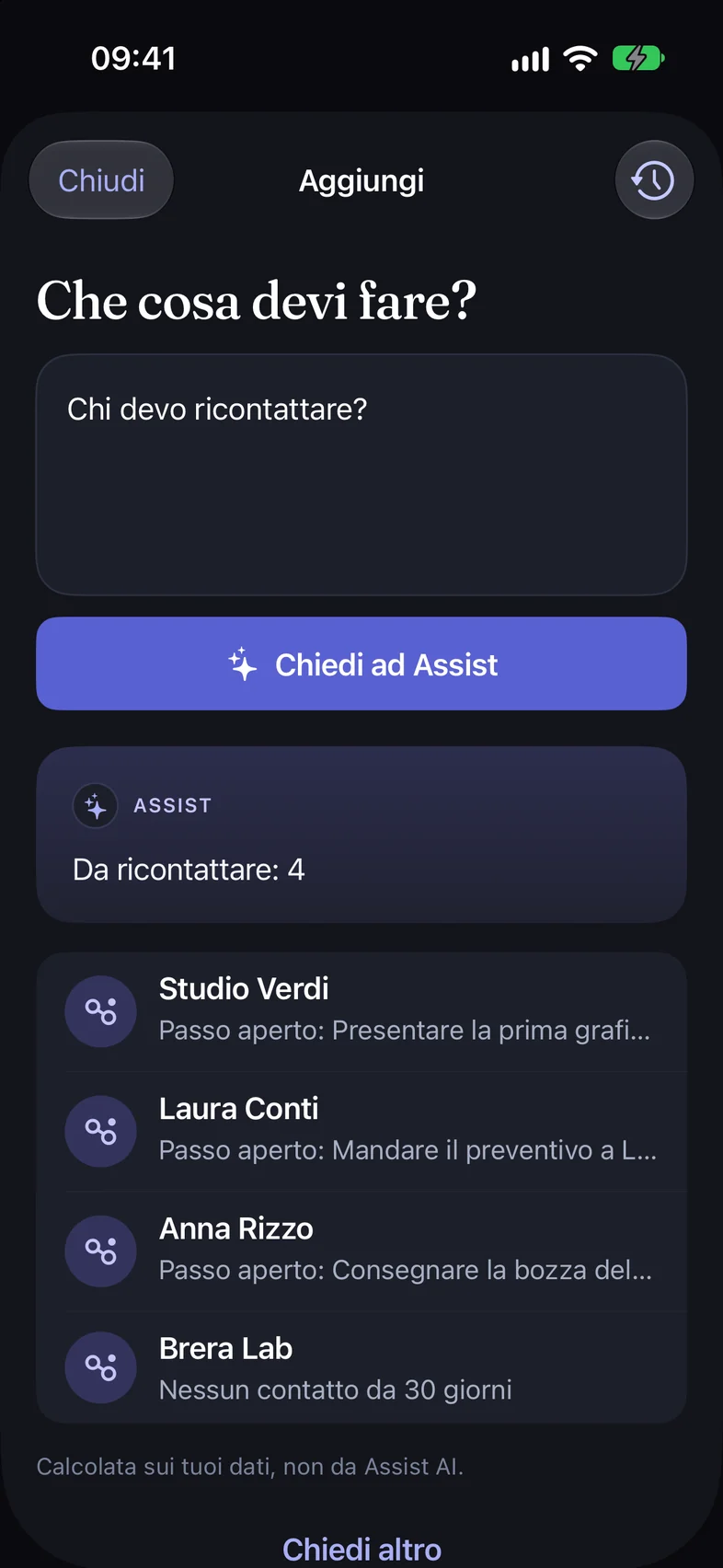
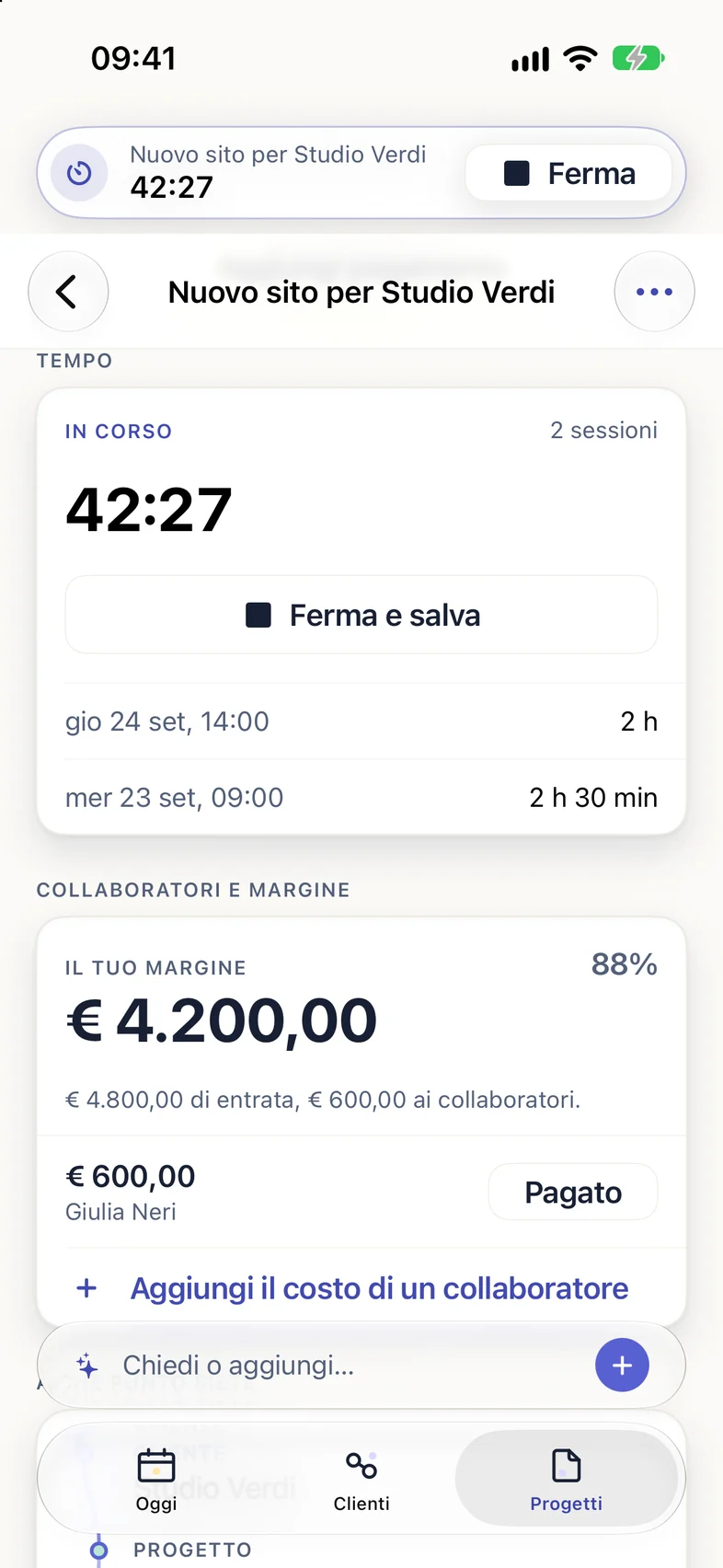
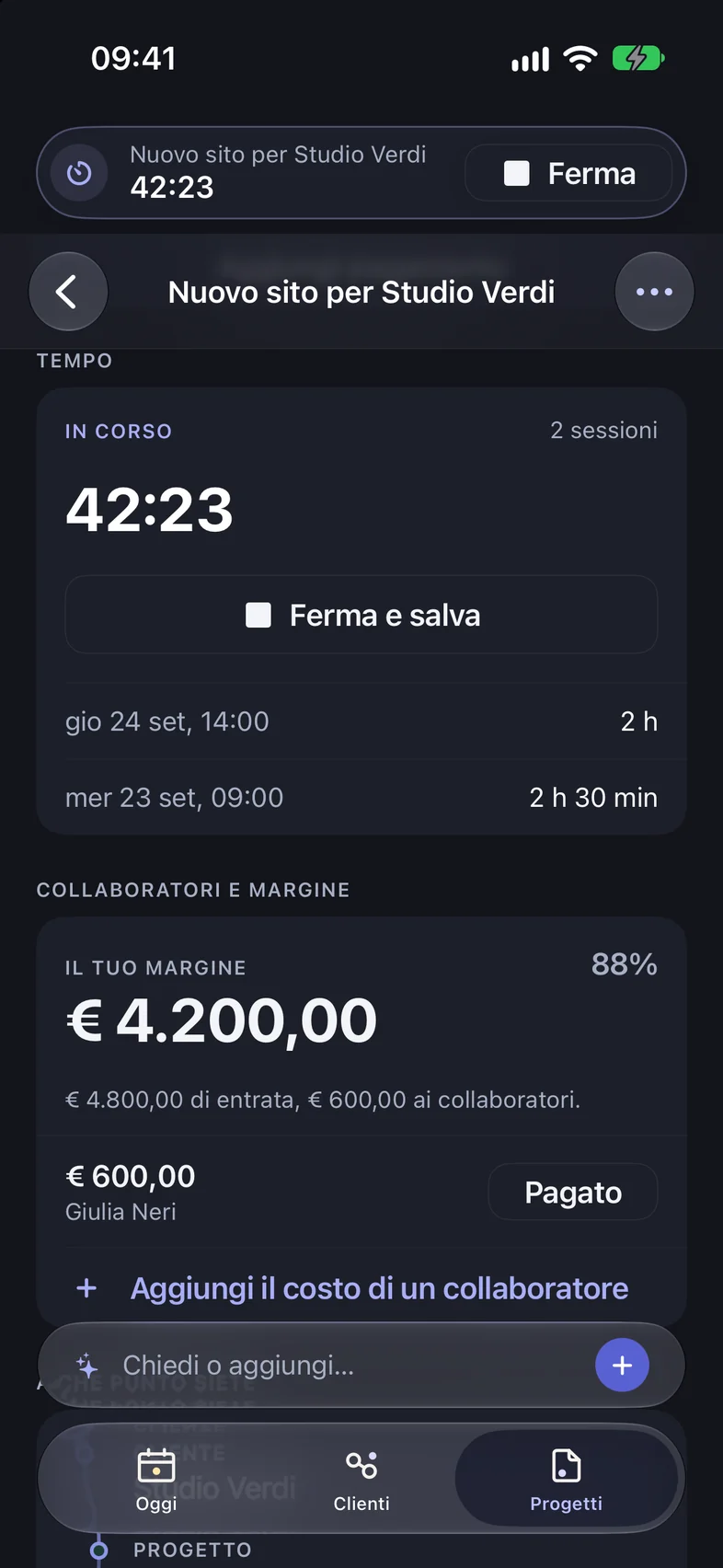
Assist
Not a chat window cut off from your work: Assist starts from the context you choose, explains where each suggestion comes from, and shows you what would change before it touches anything.
Ask “Who should I get back to?”: Assist answers by reading only what’s already in Avanlio.
What actually changes
Avanlio doesn’t fill your day with notifications. It turns what you’ve already said, seen, or promised into readable context and a step you can decide on.
Every change stays your callA note after a call or a viewing stays in the words you said it in.
Person, job or property, appointment, and document stop living in separate places.
You see a concrete suggestion, its sources, and what would change before you approve, edit, or discard it.
Continuity
Not the same screen shrunk down across four displays: each device does the part it’s built for, and the context follows you.
iPhone · quick capture, actions on the go, the next step.
Apple ecosystem
Avanlio doesn’t ask you to move everything somewhere new: it connects to the Apple apps you already use every day and brings in only what you choose.
Pick your work calendars, more than one and shared ones too: upcoming events show up in Today and in Agenda, next to your to-dos.
Bring clients in from your contacts without retyping them, and Avanlio flags duplicates.
Choose your projects folder: Assist recognizes clients, types of work, and amounts, and the import keeps going even if you leave the app.
From Mail, Messages, or Safari, send text to Avanlio with the Share button: it becomes a to-do waiting for your confirmation.
Point the camera at a document or an invoice and attach it to the right job.
Add to Avanlio
, What do I have today in Avanlio
, Who should I get back to in Avanlio
: by voice, even without opening the app.
The work timer and any import in progress stay visible; the Lock Screen only shows “Work in progress”, never the client’s name.
A summary before a viewing, the outcome as soon as you walk out, and a voice note, all from your wrist. It arrives on iPhone for you to review.
From a client’s page, call, text, or email them with one tap.
Every kind of access goes through iOS permissions: Avanlio asks when it needs it, and you can turn it off anytime in Settings. Calendar events stay on your phone. And you sign in with Apple, with no extra password.
Privacy
Avanlio holds your clients, your money, and your promises. That’s why you decide what goes in, what comes out, and where it stays — and in the app, the Privacy Center shows you what you’ve allowed.
The app has no ads and no tools that follow you around. On this website, analytics only run if you accept them.
Assist suggests, you confirm. Nothing is saved, sent, or changed without your yes.
Your question goes from Avanlio’s server to GPT-5 mini, the OpenAI model we use, only to answer you. To import a folder, you can choose to keep it on your phone only.
On a server dedicated to Avanlio, in Italy, with encrypted backups. We don’t sell your data or pass it on to anyone.
Calendar events are read on the device; the Lock Screen shows “Work in progress”, never a client’s name.
Delete your space from the app: you have 30 days to change your mind, then it’s erased. Full export arrives before launch.
Il Filo
Real scenes, practical questions, and ideas for people who make a living from clients, viewings, proposals, and next steps. Not a productivity blog: a place to recognize yourself. For now, Il Filo is written in Italian.
Read Il Filo, in Italian
A note isn’t just text: it can bring context back to where it’s needed.
Questions
Avanlio is a native app for iPhone, iPad, Mac, and Apple Watch that keeps clients, next steps, appointments, documents, and payments together for people who work for themselves. It isn’t generic business software or an accounting tool: it’s where you see what to do today, and where the next step with a person doesn’t get lost.
Independent professionals whose work runs on relationships: freelancers and consultants who handle clients, proposals, and payments, and independent real estate agents or small agencies who handle properties, inquiries, viewings, and negotiations. The same app adapts its language and priorities to your role.
A CRM asks you to feed it: fields, stages, pipelines. Avanlio works the other way around — you capture a note the way you’d say it out loud, and the context attaches itself. And it doesn’t stop at the relationship: it also keeps together the documents, appointments, and money that relationship produces.
Assist prepares context and makes suggestions: it links a note to the right person, suggests the next step, drafts a follow-up. It doesn’t send or change anything on its own. Every suggestion is clearly marked “not saved yet”, names the sources it came from, and waits for you to approve, edit, or cancel it. The answers come from GPT-5 mini by OpenAI, and only when you call Assist. The app stays useful even when the AI isn’t available.
On our own infrastructure, dedicated to Avanlio, with encrypted backups. We don’t sell your data or pass it on, and export has been planned from the start: if you ever want to leave, you take everything with you. Sign-in is passwordless, with Apple, Google, or a link sent by email.
Final pricing will be announced before launch. If you’re admitted to the beta, you’ll have access to the annual launch price: we’ll share the terms and the amount before any purchase. No card is required for the beta.
The private beta opens on iPhone in the coming weeks, for a small group. If you leave your address, you’ll get a confirmation email: until you confirm it, you aren’t signed up for anything. When we open, we’ll write to tell you how to get in: you install it with TestFlight, Apple’s free app for testing beta versions, and you’ll need iOS 18 or later.
Early access
We’re opening the beta to a few people whose work runs on relationships and is scattered across too many tools. Tell us where yours gets lost: we’re building the first versions with the people who answer.